Temporary email, ready instantly

A free disposable address with a live inbox. No signup, and nothing left behind.

PrivateLive inboxNo account
Messages0
Connecting…

What is temporary email?

A temporary email address is a short-lived inbox you can use instead of your personal one. It is the right tool when a website wants an email for a one-time signup, a verification code, or a download, and you would rather not hand over the inbox you actually read.

With GetDisposableMail, an address is waiting as soon as the page loads. There is no account, password, or personal detail to give. Copy the address, paste it where it is needed, and new messages appear in the inbox above as they arrive.

When you are finished, you can simply leave. Every address and every message is removed automatically after 24 hours.
Verification codes, without the refresh button

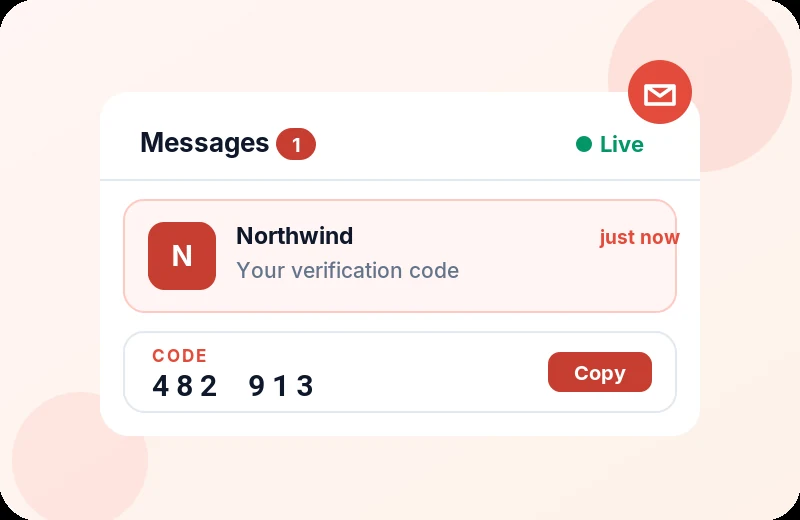
Most disposable inboxes sit still until you refresh them. GetDisposableMail updates itself, so a message is visible the moment it lands.

That matters most for one-time passwords. Plenty of codes expire within a few minutes, and a lagging inbox can make you miss them. Here is what you get:

  • Instant delivery: codes show up as soon as they arrive
  • No refresh needed: the inbox updates on its own
  • One-click copy: copy the address, or a code, straight away

Why people pick GetDisposableMail

A live inbox, no account, and a 24-hour clean slate.

Ready in a second

Open the page and your inbox is already live. No forms, no payment, no queue.

Nothing to track

We do not ask for a name or a personal email, and we do not use tracking cookies. Your session stays on this browser.

Gone in 24 hours

Addresses and messages are deleted automatically after a day. You do not have to tidy up.

Live delivery

New mail shows up as it arrives, so you are not stuck hitting refresh.

Attachments included

Files sent to your temporary address can be opened in the message view, then they disappear with the rest of the inbox.

Fresh addresses anytime

Need another inbox? Choose Change, pick a username or domain, and start again. Fair use is 10 new addresses an hour.

When a disposable address helps

Any time a form asks for email and you would rather keep your real inbox out of it.

How it works

Three short steps. No account to create.

1
Disposable email address generated instantly in the GetDisposableMail inbox
Get an address

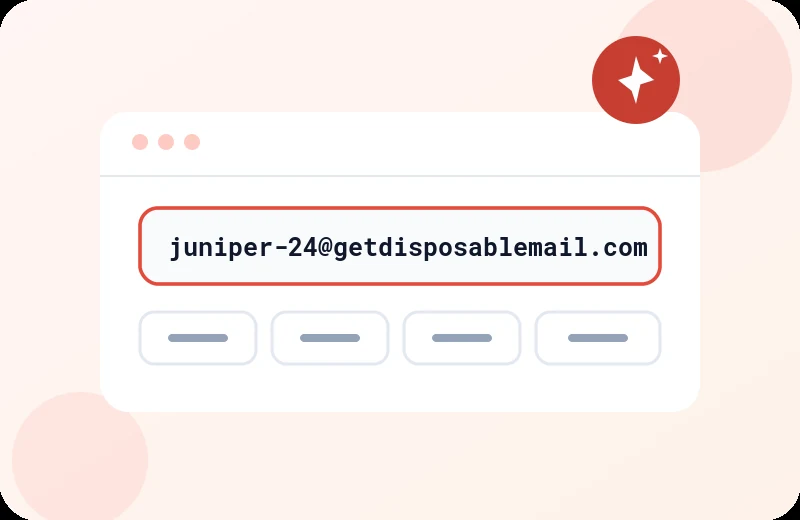
Open getdisposablemail.com. A unique address is created for you automatically.

2
Copying a temporary GetDisposableMail address into a website signup form
Copy and paste it

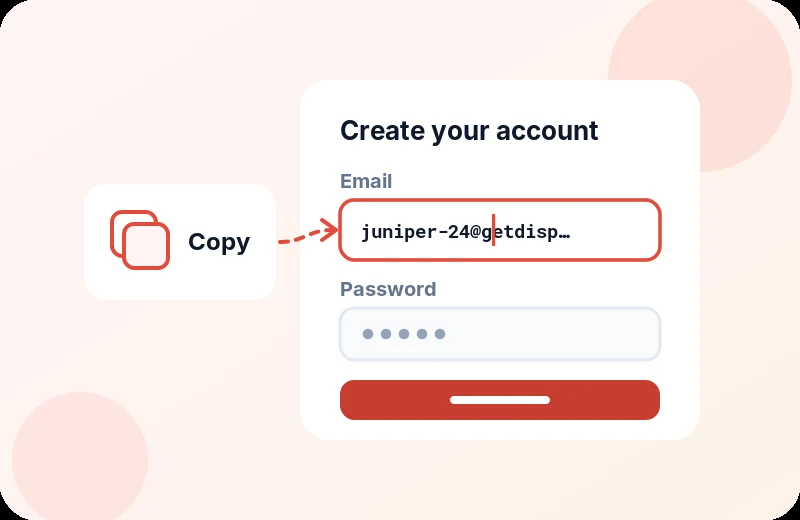
Copy the address and drop it into any form that asks for an email.

3
New verification email arriving live in the GetDisposableMail inbox
Read mail as it arrives

Messages appear in the inbox above in real time. After 24 hours the address is deleted — or delete it yourself sooner.

Frequently asked questions

Straightforward answers about disposable email addresses.

It is a short-lived inbox you can use instead of your real email. It receives messages like any other address, then it is deleted automatically after 24 hours, so leftover mail and follow-up lists never reach your personal inbox.

Yes. It is free to use, with no plans, subscriptions, or credit card. Open the page and the inbox is ready.

The address and every message in it are deleted automatically after 24 hours. You can also delete the address yourself at any time with the Delete button.

As soon as they are received. The inbox is live, so new messages appear on the page without a refresh.

Yes. Because delivery is immediate, you are less likely to miss a code that expires in a few minutes. Open the message to copy the code or follow the verification link.

No. There is no registration, login, or personal information to provide. Opening the page is enough to get an inbox.

We do not ask for your name or a personal email address. Messages are kept only long enough to show them to you, then permanently deleted after 24 hours. We do not sell or share the contents of your inbox.

Yes. Attachments can be opened from the message view. They are deleted with the email after 24 hours. For safety, some file types are blocked.

Whenever you want to keep your real inbox out of the way: starting a free trial, downloading a file, testing an app, reading a one-time code, or avoiding newsletters you did not ask for.

Yes. Confirmation messages arrive like they would in a normal inbox. Remember that the address disappears after 24 hours, so do not use it for an account you will need to recover later.

Many disposable inboxes make you refresh the page to check for mail. GetDisposableMail pushes new messages in as they arrive. It is free, it supports attachments, and everything is removed after 24 hours.

Open getdisposablemail.com. An address is created for you in about a second. Click it to copy, then paste it wherever you need. Use Change if you want a custom username or a different domain.

To keep the service fast for everyone, you can create up to 10 new addresses per hour. After that, wait for the window to reset and try again.

Each file can be up to 5 MB, with a total of 8 MB per email and up to 10 attachments. Certain file types are blocked for security.

Yes. Click Change to set a username and pick a domain. Usernames can use letters, numbers, dots, underscores, and hyphens, and must be 3 to 30 characters long. If someone is already using that name, try another.